Text Updates
How PureDocs buyers choose to get their report link by text. Order texts only — no marketing, ever.
About our texts
- Program: PureDocs order texts.
- What we send: your report link and receipt (1 text per order), and replies when you text us for help.
- What we never send: marketing or promotional texts.
- How to opt in: enter your mobile number on the optional step right after checkout. Giving a number is never required to buy or to view your report.
- How to opt out: reply STOP to any text. Reply HELP for help, or email [email protected].
- Message and data rates may apply. See our Terms and Privacy Policy; mobile numbers and text consent are never shared with third parties for marketing.
The opt-in step buyers see
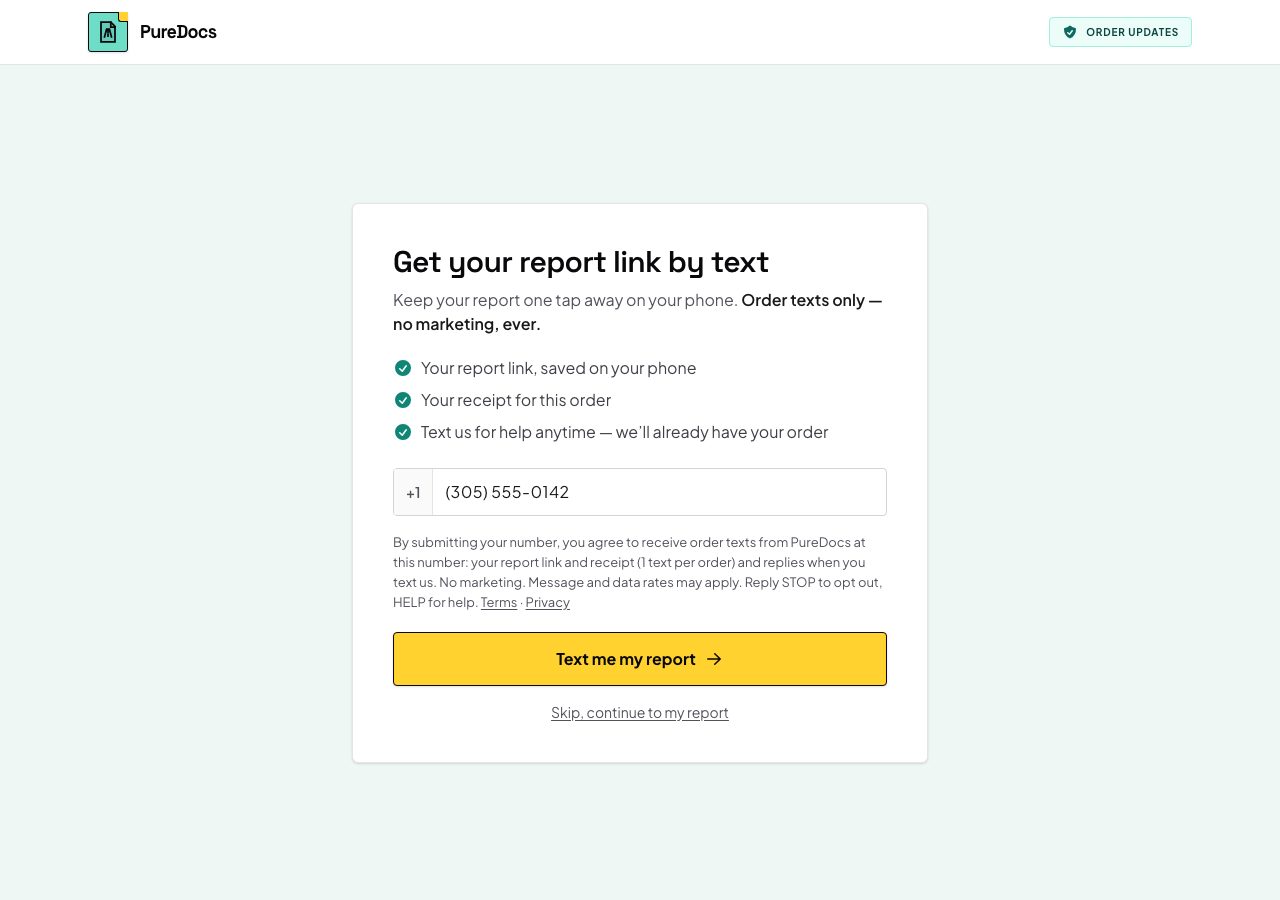
A preview of the step shown after checkout, where the number is saved to the buyer’s order. The form on this page doesn’t send anything.
Get your report link by text
Keep your report one tap away on your phone. Order texts only — no marketing, ever.
- Your report link, saved on your phone
- Your receipt for this order
- Text us for help anytime — we’ll already have your order
By submitting your number, you agree to receive order texts from PureDocs at this number: your report link and receipt (1 text per order) and replies when you text us. No marketing. Message and data rates may apply. Reply STOP to opt out, HELP for help. Terms · Privacy
Skip, continue to my report
Step by step
-
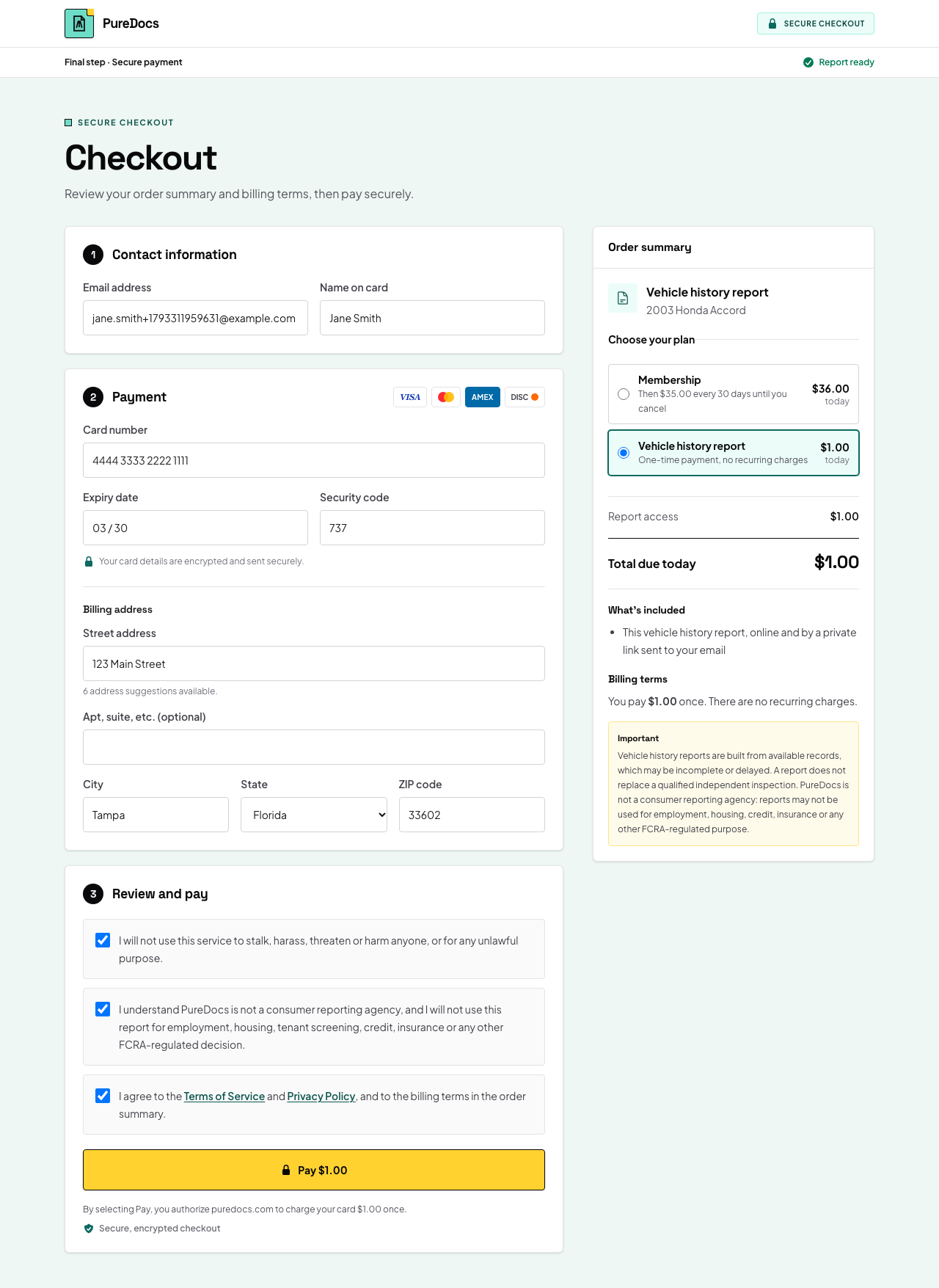
Checkout
The buyer orders a report. No phone number is asked for here, and texting is never a condition of purchase.
-
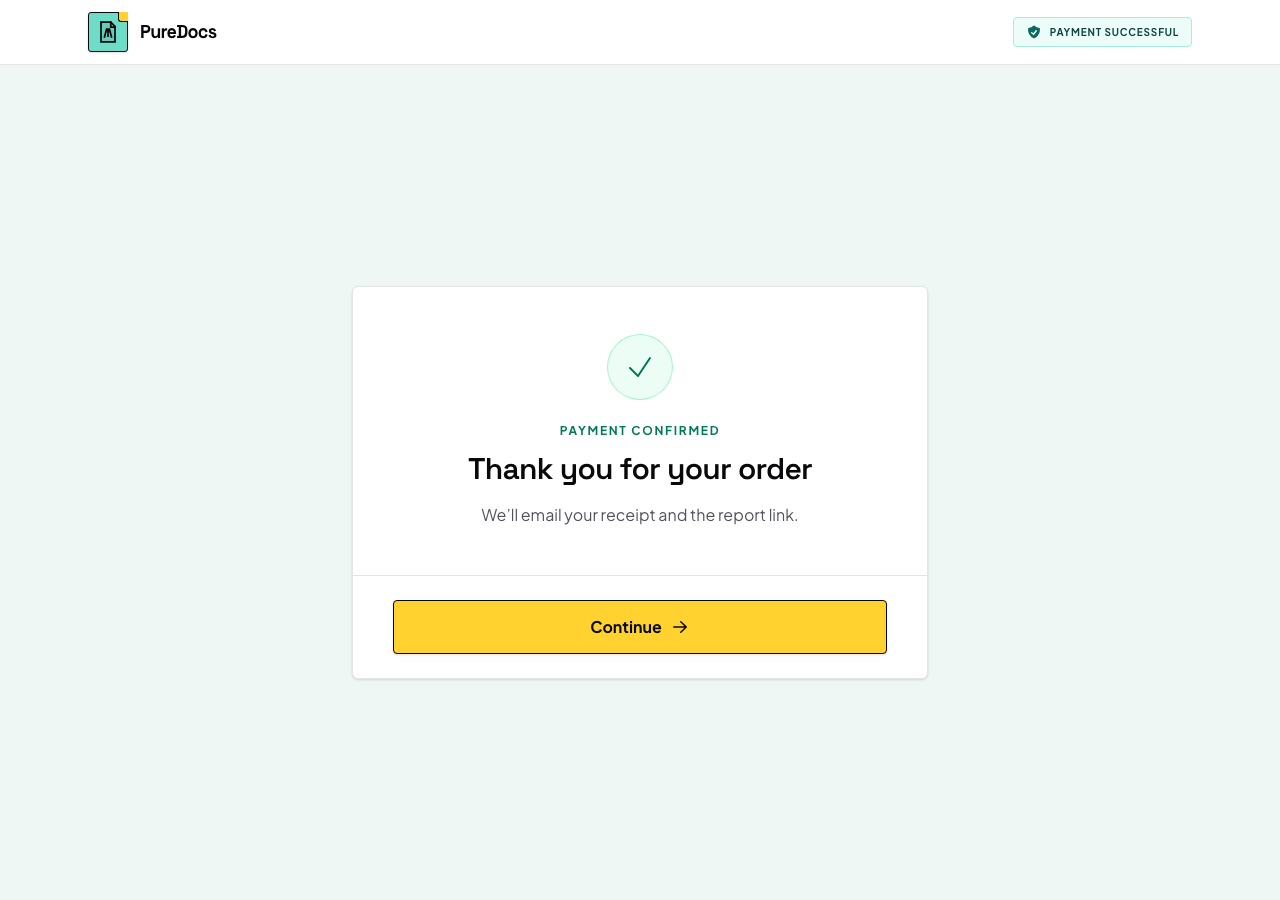
Order confirmed
The payment goes through and the buyer continues from the confirmation page.
-
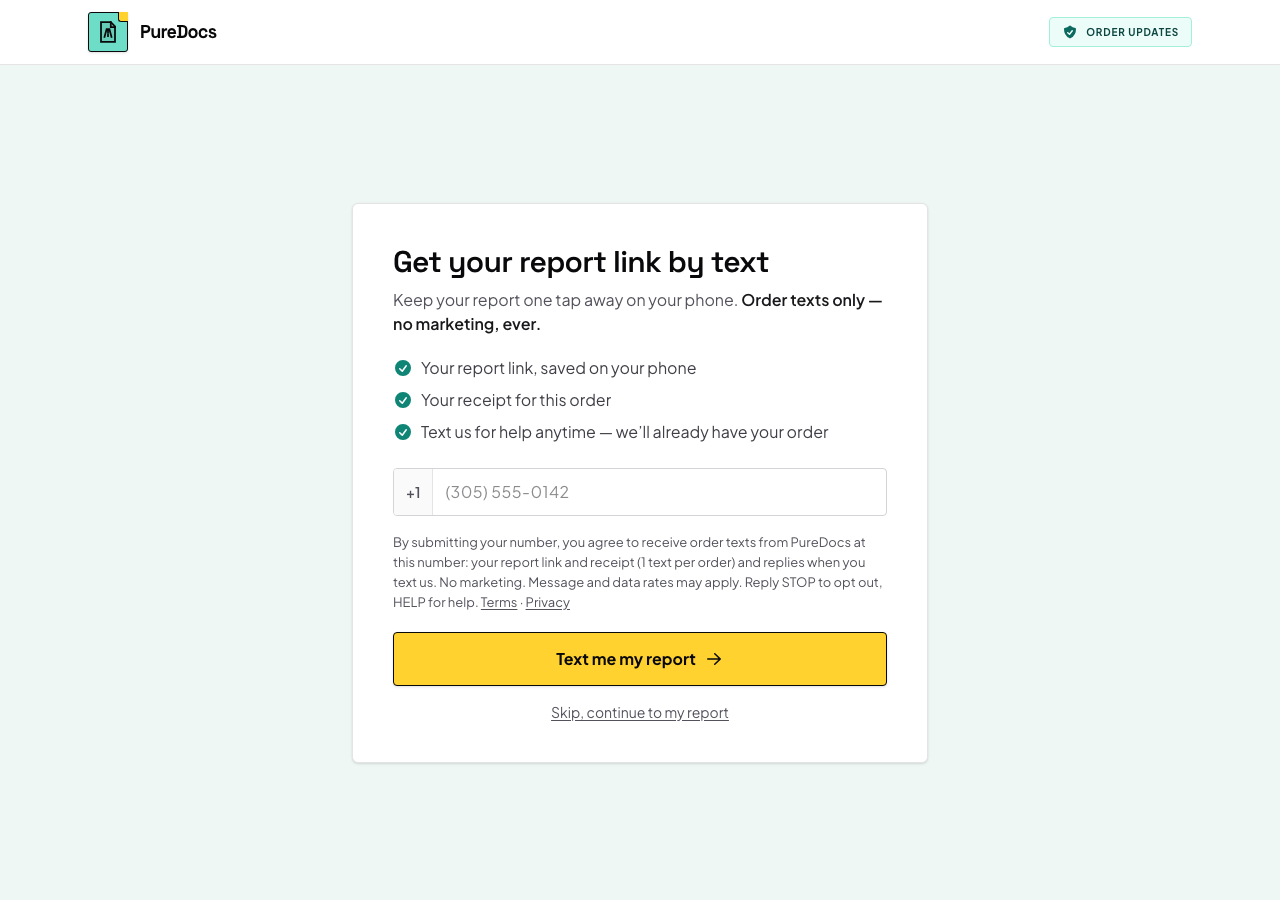
Optional text step
The buyer is offered order texts, with the full terms shown between the number field and the button. They can skip straight to their report.
-
Number given
Only a buyer who enters their mobile number and presses “Text me my report” is opted in.